
Speed Sort
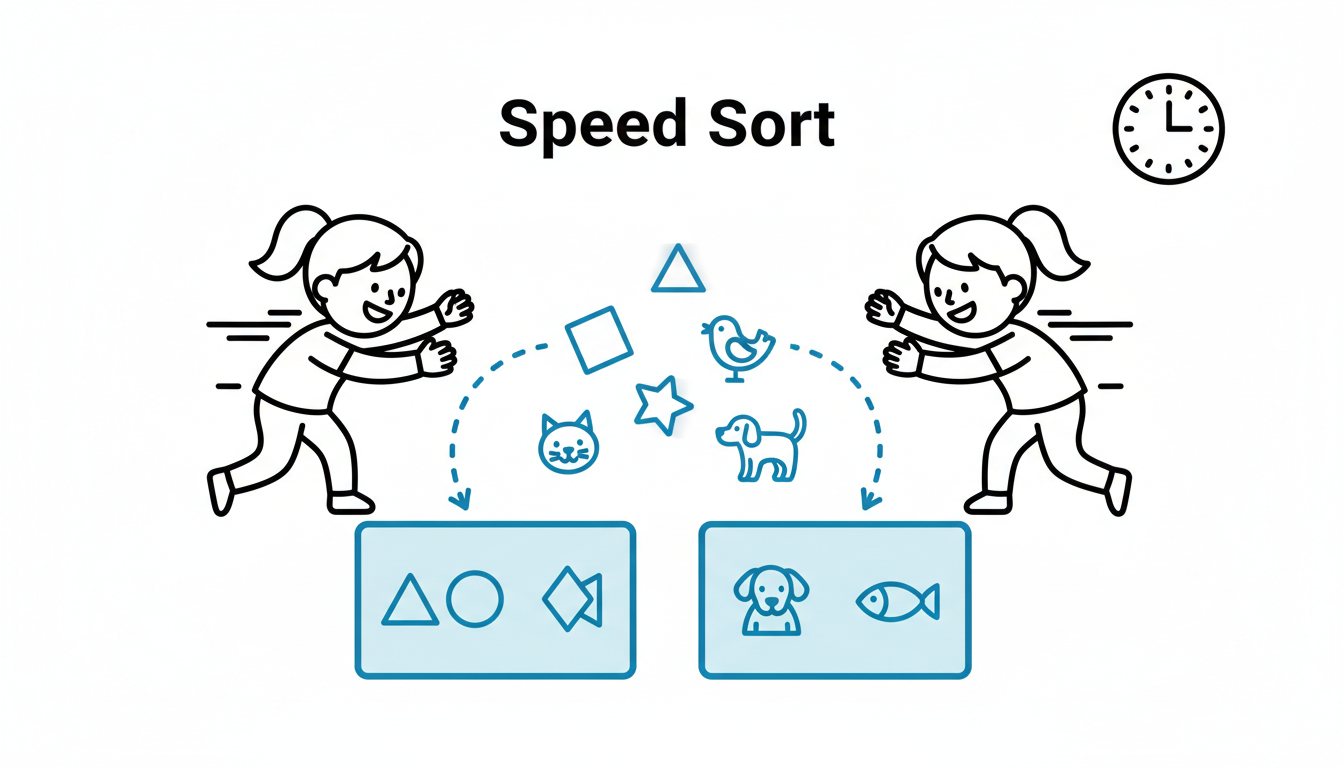
At a Glance
- Time: 60 seconds
- Prep: Minimal (prepare list of 10 items to categorize)
- Group: Whole class (individual) or small groups
- Setting: Any (works in-person or online)
- Subjects: Universal
- Energy: High
Purpose
Rapidly activate critical thinking and categorization skills by challenging students to sort items into categories under time pressure. Use this to review concepts, activate prior knowledge about categories, or energize cognitive processing before deeper analysis.
How It Works
Step-by-step instructions:
- PRESENT ITEMS (10 seconds) - Display or announce 10 items that need categorizing
- SET CHALLENGE (10 seconds) - "You have 30 seconds to sort these 10 items into two categories: [Category A] and [Category B]"
- SORT (30 seconds) - Students write or mentally sort items rapidly
- SHARE (15 seconds) - "How many got all 10? Most people? Okay, let's review any tricky ones."
- DEBRIEF (10 seconds) - Quickly confirm correct categorizations
What to Say
Opening: "I'm going to show you 10 words. Your job: sort them into NOUNS and VERBS as fast as you can. You have 30 seconds. Ready? Here they are: [display list]. GO!"
During: (Set a visible timer) "30 seconds! Sort quickly!"
After time: "Stop! How many sorted all 10? Show of hands. Let's check the tricky ones. 'Running'—noun or verb? Depends on context! Let's discuss..."
Why It Works
Time pressure activates the brain's urgency response, increasing focus and processing speed. Categorization is a fundamental cognitive skill that requires analyzing attributes and applying rules—this engages executive function. The rapid pace keeps energy high and prevents overthinking. The competitive element (beating the clock) increases motivation. Successfully categorizing under pressure builds cognitive confidence. This is an excellent warm-up for lessons requiring classification, analysis, or critical thinking.
Research Citation: Timed challenges increase cognitive engagement and can improve processing speed through practice (Ratcliff & McKoon, 2008).
Teacher Tip
Choose items where 8 out of 10 are obvious but 2 are genuinely tricky or debatable. This creates the perfect challenge level—students feel successful but are pushed to think. The "tricky ones" become excellent discussion points.
Variations
For Different Subjects
- Grammar: Sort words by parts of speech (noun/verb, adjective/adverb)
- Science: Vertebrates vs. invertebrates; renewable vs. non-renewable energy; elements vs. compounds
- Math: Odd vs. even; prime vs. composite; rational vs. irrational numbers
- History: Before 1900 vs. after 1900; causes vs. effects; primary vs. secondary sources
- Literature: Protagonist traits vs. antagonist traits; themes vs. symbols
- Geography: Northern vs. Southern Hemisphere; countries vs. capitals
For Different Settings
- Large Class (30+): Everyone sorts independently, then quick show of hands for how many got them all
- Small Groups: Each group collaborates to sort, competing against other groups
- Pairs: Partners work together
- Online: Display list on screen, students type answers in chat or use breakout rooms
For Different Ages
- Elementary (K-5): Use 6-8 items instead of 10. Give 45 seconds instead of 30. Use very concrete categories (animals vs. plants).
- Middle/High School (6-12): Standard 10 items, 30 seconds. Can increase difficulty with nuanced categories.
- College/Adult: Can use 12-15 items or more complex categories. 30-45 seconds.
Online Adaptation
Tools Needed: Zoom, Teams, screen sharing, chat, or digital whiteboard
Option 1: Screen Display + Chat
- Share screen with 10 items displayed
- "Sort these in 30 seconds! Type your answers in chat when done."
- Review together
Option 2: Breakout Rooms
- Send groups to breakout rooms with the list
- Groups collaborate to sort
- Return to main room and share answers
Option 3: Poll
- Create a quick poll for each item: "Is this item Category A or B?"
- Students vote rapidly
Pro Tip: Use a shared Google Doc or Jamboard where students can drag items into category columns. Visual and collaborative!
Troubleshooting
Challenge: Students get confused about categories. Solution: State categories very clearly at the start. Write them on the board. Repeat them. "TWO categories: Metaphor or Simile. That's it."
Challenge: Some students finish in 10 seconds, others need more time. Solution: That's okay! Say, "If you finish early, check your work. If you need more time, keep going—but time pressure is part of the challenge."
Challenge: Students argue about one of the items. Solution: Perfect! Say, "This is excellent—you found the debatable one. In real life, categorization isn't always clear-cut. Let's discuss why this one is tricky."
Extension Ideas
- Deepen: After sorting, ask: "What rule did you use to categorize? What makes something [Category A] vs [Category B]?" This builds metacognitive awareness.
- Connect: "Now create your own Speed Sort. Write 10 items in two categories. Trade with a partner and see if they can sort yours correctly."
- Follow-up: Make it harder: "Same challenge, but now THREE categories. Ready?"
Related Activities: Rapid Fire, One Word Storm, Speed Analogies