
SCAMPER
At a Glance
- Time: 4-5 minutes
- Prep: Minimal (poster or slide with SCAMPER acronym)
- Group: Small groups or pairs
- Setting: Any classroom
- Subjects: Universal (especially strong for design, innovation, and problem-solving)
- Energy: Medium
Purpose
Provide a structured framework for creative thinking and innovation by systematically applying seven different lenses to transform existing ideas. Use this activity when students need to improve a process, redesign a solution, or think creatively about how to modify concepts.
How It Works
Step-by-step instructions:
-
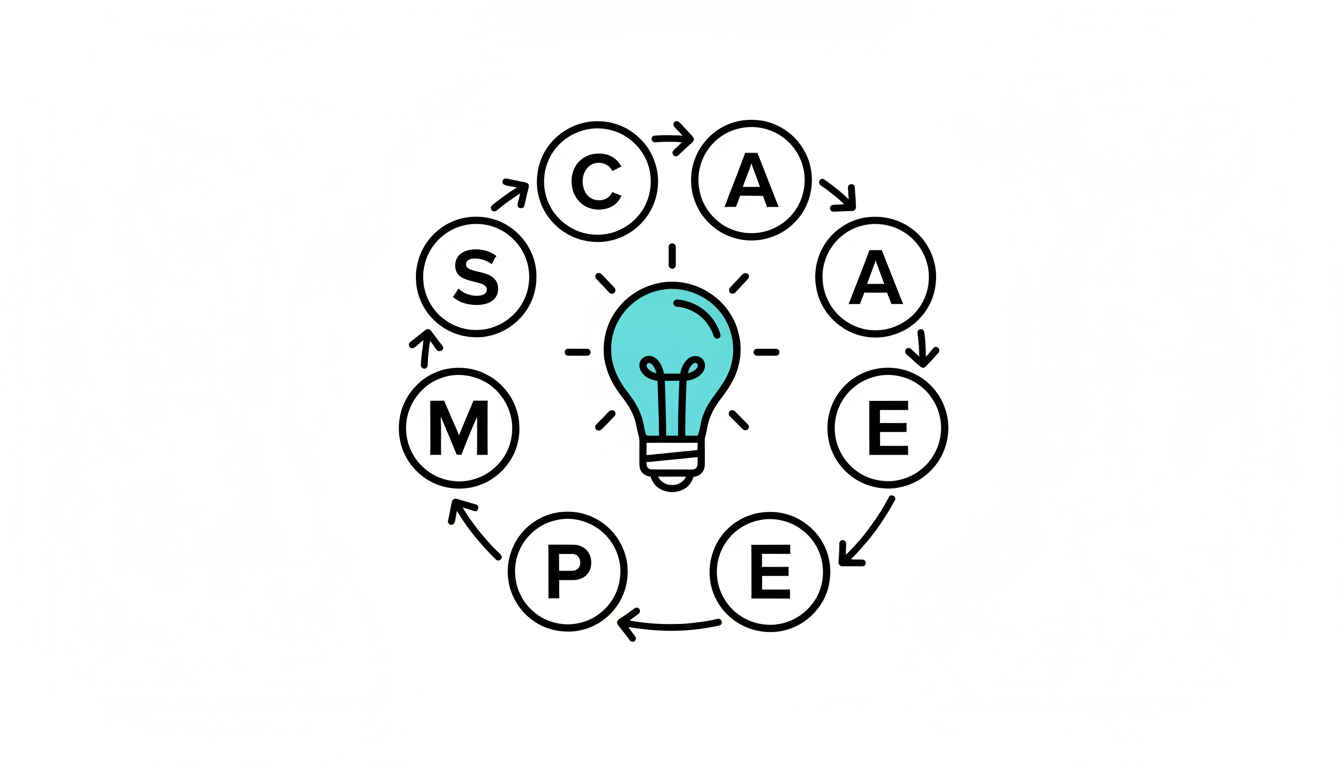
Introduce SCAMPER (1 minute) - Display the acronym: Substitute, Combine, Adapt, Modify, Put to another use, Eliminate, Rearrange. Explain that these are seven "thinking verbs" that spark innovation
-
Apply the framework (2-3 minutes) - Give students an object, process, or problem related to your content. In groups, they select 2-3 SCAMPER prompts and brainstorm specific modifications: "What could we substitute? What could we combine? What could we eliminate?"
-
Share innovations (1 minute) - Groups share their most interesting modification idea and which SCAMPER lens they used
What to Say
Opening: "SCAMPER is a tool that professional designers and inventors use to improve existing ideas. Each letter represents a question you can ask to generate new possibilities. Let's apply this to something familiar: a classroom desk. I'll give you 3 minutes to use at least two SCAMPER lenses to redesign it."
During: "Try 'Substitute'—what material could you replace?... Now try 'Combine'—what could you merge it with?... What happens if you 'Eliminate' something everyone assumes must be there?... Push beyond obvious changes!"
Closing: "What did you discover? Which SCAMPER lens generated your most creative idea?... Notice how asking different questions opens up different possibilities? You can apply this framework to any problem or product."
Why It Works
SCAMPER provides a cognitive scaffold for creative thinking, preventing the "blank page" paralysis that often stifles innovation. By systematically considering different types of modifications, students move beyond obvious first ideas to explore more novel solutions. The structured approach ensures comprehensive exploration while still allowing for creative freedom within each category.
Research Connection: SCAMPER, developed by Bob Eberle based on Alex Osborn's brainstorming questions, is a validated creative thinking technique used in design thinking and innovation processes worldwide (Eberle, 1971).
Teacher Tip
Don't require students to use all seven lenses—it becomes mechanical. Instead, let them choose 2-3 that seem most relevant to the challenge. The goal is flexible thinking, not checklist completion. Often the most innovative ideas come from deeply exploring one lens rather than superficially touching all seven.
Variations
For Different Subjects
- Math/Science: "Use SCAMPER to redesign the scientific method... How could we modify this experiment to test a different variable?... What if we eliminated the control group?"
- Humanities: "Apply SCAMPER to this character's decision... How could this historical event have been 'rearranged' in sequence?... What if we 'substitute' one element of this poem?"
- Universal: Redesign common objects (backpack, pencil, textbook), improve processes (homework submission, group work), or modify concepts
For Different Settings
- Large Class (30+): Assign different SCAMPER lenses to different groups, then combine insights for comprehensive innovation
- Small Group (5-15): Work together as a whole class, going through each SCAMPER lens systematically with the same challenge
For Different Ages
- Elementary (K-5): Use simpler language: "Replace, Mix, Change, Shrink/Grow, Different Use, Remove, Flip Around." Apply to familiar objects like toys or lunch boxes
- Middle/High School (6-12): Standard format with content-specific challenges
- College/Adult: Apply to complex systems, business models, or theoretical frameworks with multi-step modifications
Online Adaptation
Tools Needed: Collaborative whiteboard (Miro, Mural, or Google Jamboard)
Setup: Create a template with seven sections labeled with each SCAMPER lens
Instructions:
- Display the challenge and SCAMPER framework on screen
- In breakout rooms, groups use digital sticky notes to add ideas under 2-3 SCAMPER categories
- Return to main room and groups share via screen share or adding to a collective board
- Use annotation tools or emoji reactions to highlight most creative ideas
Pro Tip: Create a reusable SCAMPER template board that you can duplicate for different challenges throughout the year
Troubleshooting
Challenge: Students don't understand the difference between the categories (especially Modify vs. Adapt) Solution: Don't get caught up in perfect categorization—the goal is generating ideas, not correctly labeling them. Say: "It doesn't matter which category an idea fits—what matters is that SCAMPER gave you a question to ask"
Challenge: Ideas stay surface-level ("make it bigger, make it smaller") Solution: Push for specificity: "How much bigger? For what purpose?... What specific part would you enlarge and why?" Add a constraint: "Your modification must solve a specific problem"
Extension Ideas
- Deepen: After generating ideas, evaluate using criteria: Which modification is most feasible? Most creative? Would have the biggest impact?
- Connect: Research real-world examples of each SCAMPER lens: Velcro (Adapt from nature), Swiss Army Knife (Combine), Cordless tools (Eliminate), etc.
- Follow-up: Challenge students to create a prototype or detailed sketch of their SCAMPER innovation, explaining their reasoning
Related Activities: Divergent Thinking Prompts, Mashup Ideation, Reverse Brainstorming