
Entry Tickets
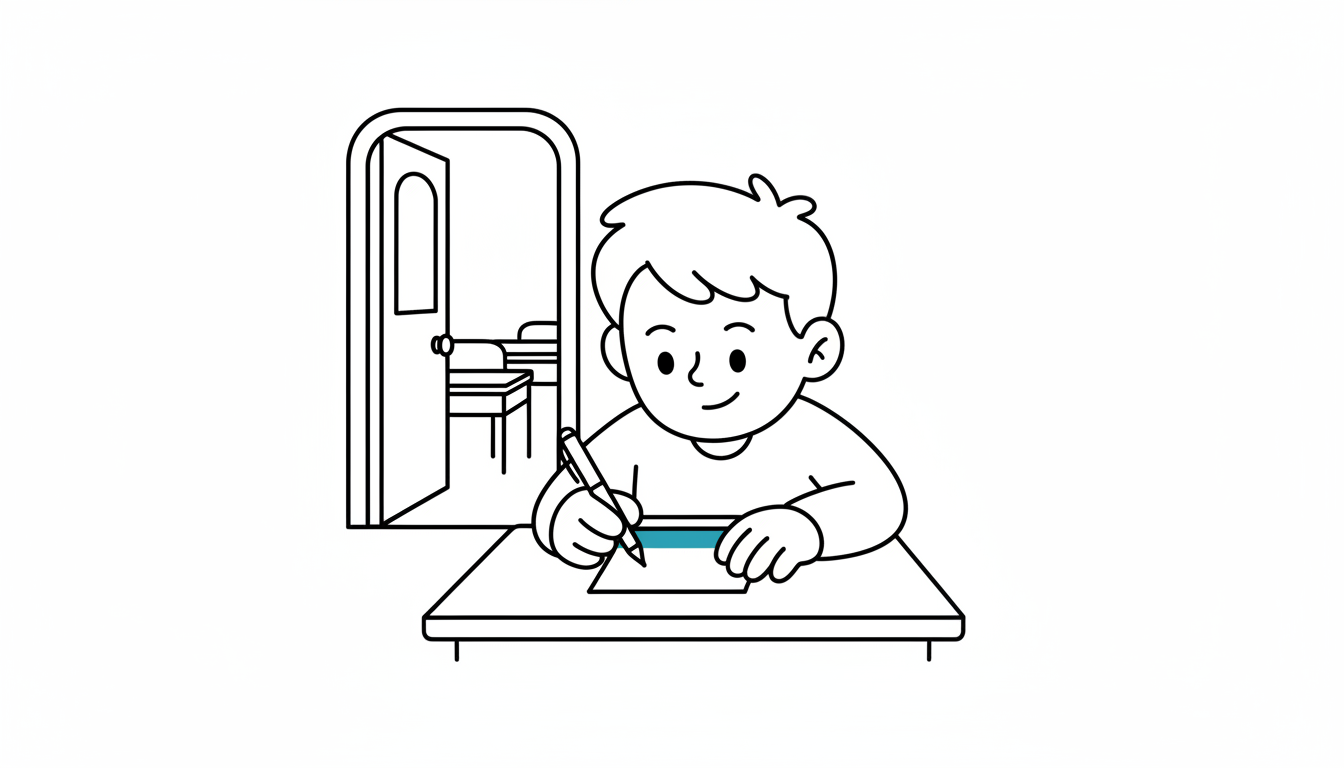
At a Glance
- Time: 2-3 minutes
- Prep: Minimal (question on board)
- Group: Individual
- Setting: Any classroom
- Subjects: Universal
- Energy: Low
Purpose
Entry Tickets activate prior knowledge and gauge student readiness before diving into new content. This quick written response helps you adjust your lesson based on what students already know.
How It Works
Step-by-step instructions:
- POST QUESTION (30 seconds) - Display 1-2 questions on board before class starts
- STUDENTS RESPOND (2 minutes) - Students write brief responses as they enter and settle
- QUICK SCAN (30 seconds) - Collect or visually scan responses to gauge understanding
What to Say
Opening: "As you come in, please take out a half-sheet of paper and respond to the question on the board. You have two minutes."
During: "Write what you currently know or think. There are no wrong answers—I'm just curious about where we're starting."
Closing: "Thank you. Based on what I'm seeing, we're going to focus particularly on [adjust based on responses]."
Why It Works
Entry Tickets leverage the testing effect and retrieval practice, strengthening memory consolidation before new learning. They also provide formative data that allows you to differentiate instruction immediately.
Research Citation: Roediger & Karpicke, 2006 (Testing Effect)
Teacher Tip
Keep entry ticket questions open-ended rather than yes/no. "What do you remember about photosynthesis?" is better than "Do you know what photosynthesis is?"
Variations
For Different Subjects
- Math/Science: "Solve this problem using any method you know" or "Predict what will happen if..."
- Humanities: "What comes to mind when you hear [topic]?" or "List 3 things you know about..."
- Universal: "Draw a quick sketch representing [concept]"
For Different Settings
- Large Class (30+): Use half-sheets for quick collection, or take photos of responses
- Small Group (5-15): Have students share one response orally after writing
For Different Ages
- Elementary (K-5): "Draw one thing you know about today's topic"
- Middle/High School (6-12): Standard written response with 2-3 sentences
- College/Adult: More complex prompts requiring analysis or connection
Online Adaptation
Tools Needed: Chat function, Google Form, or Padlet
Setup: Create simple form with 1-2 questions
Instructions:
- Post entry ticket link in chat or LMS
- Students complete as they join virtual session
- Review responses in real-time dashboard
Pro Tip: Use a Google Form with "See summary of responses" enabled to instantly visualize student readiness.
Troubleshooting
Challenge: Students arrive at different times Solution: Display entry ticket before official start time; latecomers can complete during warm-up
Challenge: Takes too long to read all responses Solution: Scan for patterns rather than reading every word; group similar responses mentally
Extension Ideas
- Deepen: Follow up with "Why do you think that?" or "What evidence supports your thinking?"
- Connect: Create word cloud from responses and discuss patterns as class
- Follow-up: Return to entry tickets at end of lesson: "How has your thinking changed?"
Related Activities: KWL Chart, 3-2-1 Bridge, What Do You Know About