
Brainstorm Web
At a Glance
- Time: 3-4 minutes
- Prep: Board or chart paper
- Group: Whole class
- Setting: Any
- Subjects: Universal
- Energy: Low
Purpose
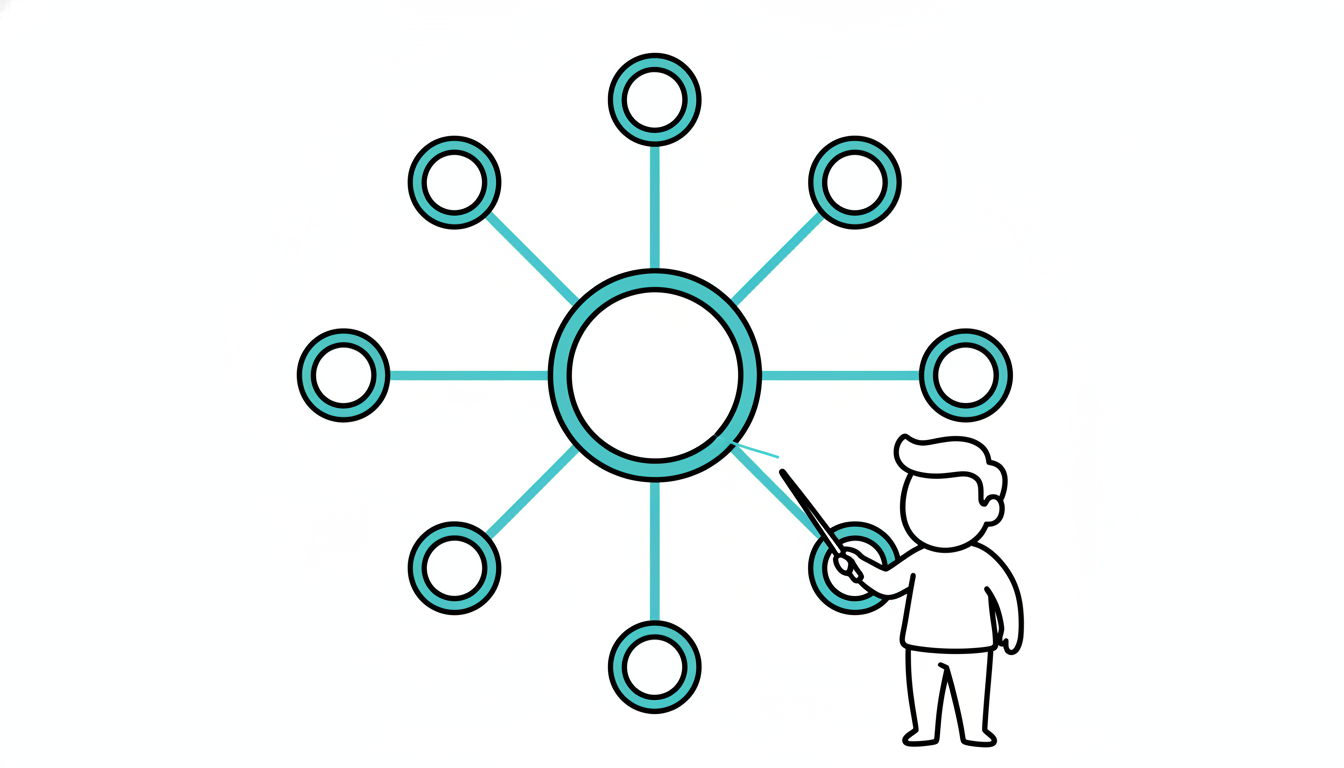
Activate and visualize prior knowledge by creating a concept web together. The topic goes in the center; students contribute related ideas that branch out. This graphic organizer makes connections visible and reveals the breadth of collective knowledge.
How It Works
- DRAW CENTER (15 seconds) - Write the topic in the center of board/paper; draw circle around it
- BRAINSTORM (2-3 minutes) - Students call out related concepts; teacher draws branches and writes ideas
- ADD CONNECTIONS (optional, 60 seconds) - Draw lines between related ideas; label connections
- ACKNOWLEDGE (15 seconds) - "Look at everything we already know! Let's build on this."
What to Say
"We're starting our unit on [topic]. Let's see what we already know by creating a brainstorm web. I'm writing [topic] in the center. Now, shout out anything you know or have heard about this topic. I'll add branches for each idea. Go!"
(As students contribute) "Great! 'Photosynthesis.' I'm adding that as a branch. What else?"
(Continue adding branches) "Notice how some of these ideas connect to each other. Let me draw a line between 'sun' and 'energy'—they're related!"
(After 2-3 minutes) "Wow! Look at this web. We have a LOT of prior knowledge. Today's lesson will help us organize and expand these connections."
Why It Works
Visual representation aids memory and understanding. The web structure mirrors how knowledge is actually organized in the brain—concepts connected in networks, not isolated facts. Students see that learning is about building and strengthening connections. The collaborative creation validates all contributions and builds collective efficacy ("We know a lot as a group!"). The visual artifact can be referenced throughout the unit.
Research Citation: Concept mapping improves learning by making relationships between concepts explicit (Novak & Cañas, 2006).
Teacher Tip
Keep it messy and organic! Don't worry about perfect organization. The goal is rapid activation, not a polished final product. You can revisit and reorganize the web later in the unit.
Variations
Web Structures
Simple Web: Just center topic + radiating branches Hierarchical Web: Main branches for categories, sub-branches for examples Connected Web: Draw lines between related ideas across branches Labeled Connections: Write "how" ideas relate on the connecting lines
Content Examples
Science - Ecosystems:
- Center: Ecosystems
- Branches: Plants, Animals, Water, Soil, Energy, Food Chains, etc.
Math - Fractions:
- Center: Fractions
- Branches: Numerator, Denominator, Equivalent, Add, Multiply, Pizza, etc.
Literature - Themes:
- Center: Theme
- Branches: Love, Conflict, Growth, Symbols, Characters, Plot, etc.
History - Industrial Revolution:
- Center: Industrial Revolution
- Branches: Factories, Steam Engine, Cities, Workers, Inventions, etc.
Activity Variations
Co-Created: Teacher draws based on student input (standard) Student-Led: Student volunteers come up and add to the web Small Groups: Groups create their own webs, then share Individual: Each student creates a personal web in their notebook Digital: Use Jamboard, Miro, or Mindmeister for virtual webs
For Different Settings
- Large Class: Teacher facilitates; students contribute verbally
- Small Class: Students can physically add to chart paper
- Online: Collaborative digital whiteboard
- Individual Work: Students draw their own webs before sharing
For Different Ages
- Elementary (K-5): Simple structure; add drawings/pictures
- Middle/High School (6-12): More complex; emphasize connections between branches
- College/Adult: Sophisticated relationships; disciplinary language
Online Adaptation
Excellent for Online:
- Use Jamboard, Miro, Padlet, or Mindmeister
- Teacher creates web based on chat responses
- Students use annotation tools to add branches
- Collaborative digital webs work beautifully
- Screenshot final product to save
Troubleshooting
Challenge: Students repeat the same types of ideas. Solution: Prompt: "We have lots of examples. What about processes? Causes? Effects? Tools?"
Challenge: Web becomes cluttered and hard to read. Solution: That's okay! Say: "It's getting full—that shows how much we know! Let's keep going." Or start a second web.
Challenge: Students contribute unrelated or tangential ideas. Solution: Accept it and probe: "How does that connect to [topic]? Help me see the link."
Challenge: Running out of board space. Solution: Use multiple colors, smaller writing, or continue on chart paper. Or transition: "Great start! Keep thinking; we'll add more later."
Challenge: Web looks disorganized compared to the polished ones in textbooks. Solution: That's perfect! Explain: "Real thinking is messy. This shows our authentic knowledge before we organize it."
Extension Ideas
- Color Code: Use different colors for different types of information (facts vs. processes vs. examples)
- Revise Later: Return to the web at the end of the unit; add new learning in a different color
- Group and Label: After brainstorming, draw boxes around clusters; label each cluster
- Compare Webs: Create a "Before" web and an "After" web; discuss what changed
- Student Reflection: "Look at the web. What surprises you? What questions do you have?"
Related Activities: Word Splash, Free Association, KWL Chart