
Thumbs Compass
At a Glance
- Time: 30 seconds
- Prep: Minimal (4 concepts/options posted on classroom walls)
- Group: Whole class
- Setting: In-person
- Subjects: Universal
- Energy: Low-Medium
Purpose
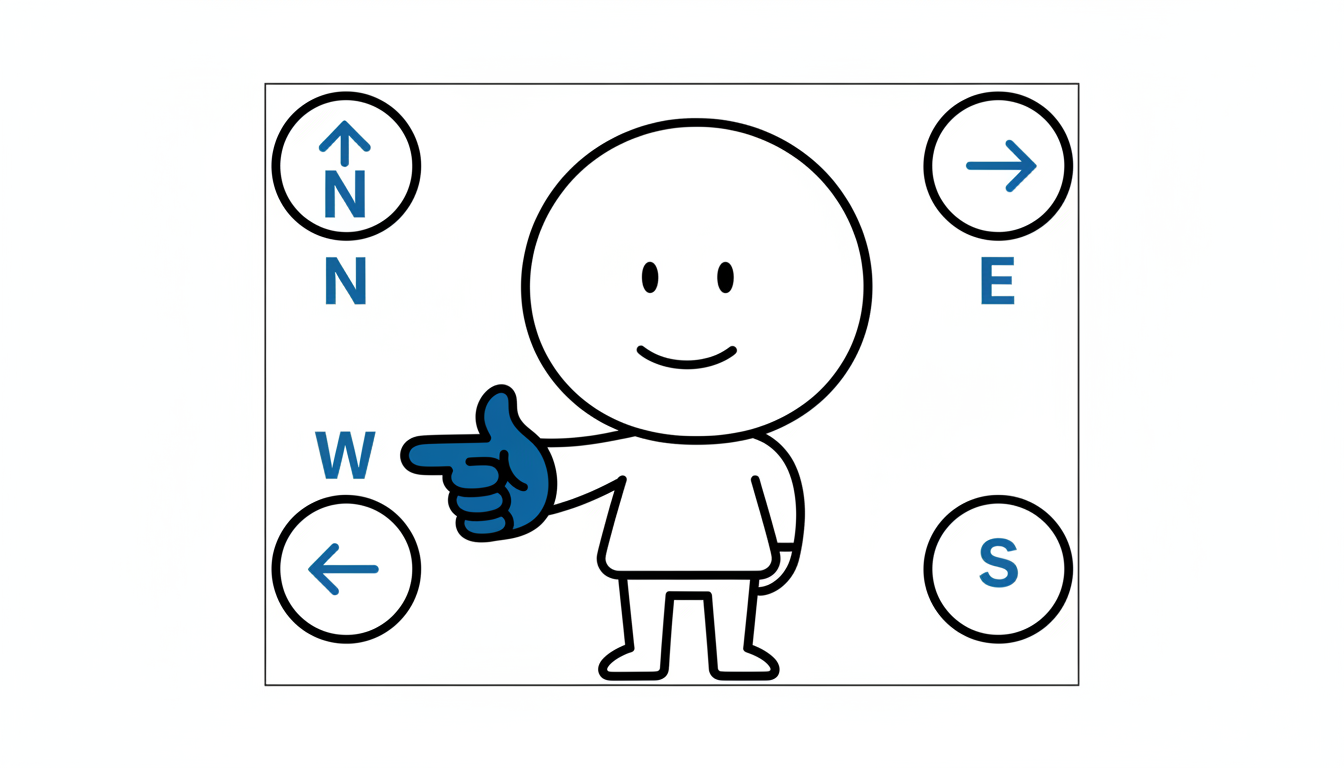
Quickly poll student opinions or priorities by having them point their thumbs toward one of four options posted around the room. Use this when you need quick decision data or want students to physically indicate preferences/priorities.
How It Works
- POST OPTIONS (before class) - Place 4 concepts/options on different walls (North, South, East, West positions)
- ASK QUESTION (10 seconds) - "Which concept is MOST important to understand today?"
- POINT (10 seconds) - Students point thumbs toward their choice
- SCAN (10 seconds) - Teacher quickly counts/observes distribution
- RESPOND - "Most thumbs pointing to 'photosynthesis'—we'll focus there first."
What to Say
"Look around the room. On each wall, I've posted one concept: [North wall: Metaphor, South: Simile, East: Personification, West: Hyperbole]. Point your thumb toward the one you find most confusing. Everyone point at the same time. Ready? Point!"
(Scan) "Most thumbs toward Metaphor. Got it. Let's start there."
Why It Works
Physical directional pointing engages spatial processing and kinesthetic learning. The visual distribution helps both teacher and students see patterns ("Most people are confused about X"). Having options physically posted in space makes abstract choices concrete. The low-stakes, quick nature encourages honest responses. This is faster than verbal polling and requires no technology.
Teacher Tip
Use this when you have 3-4 clear options to choose from. More than 4 gets confusing. Exactly 4 works perfectly with the four walls/directions.
Variations
For Different Subjects
- Priority Poll: "Which topic should we review first?"
- Difficulty Poll: "Which problem type is hardest?"
- Interest Poll: "Which historical period interests you most?"
- Opinion Poll: "Which solution makes most sense?"
- Concept Check: "Which term are you least confident about?"
For Different Settings
- In-Person: Use physical walls with posted options
- Online: Less effective (hard to point through screen), use chat poll instead
- No Wall Posts: Call out directions: "Point right for A, left for B, forward for C, up for D"
- Seated: Can still point in directions from seats
For Different Ages
- Elementary (K-5): Love the physical pointing. Keep options simple.
- Middle/High School (6-12): Works smoothly. Quick and efficient.
- College/Adult: Appreciate the efficiency. No technology needed.
Online Adaptation
Not Ideal for Online - Consider using Fist to Five or chat polling instead. If you must adapt:
- Use Zoom annotations: "Click on the screen quadrant representing your choice"
- Or: "Type your direction in chat: North, South, East, or West"
Troubleshooting
Challenge: Options aren't clearly posted or students can't see them. Solution: Before activity, clearly point to each option: "This wall is A, this is B, this is C, this is D. Everyone see them?"
Challenge: Students point in multiple directions or change mid-activity. Solution: "Choose ONE. Point to one wall. Hold it steady so I can count."
Challenge: Distribution is unclear—thumbs pointing everywhere. Solution: Count sections: "Everyone pointing North, raise your hand. South? East? West?" Get clear count.
Extension Ideas
- Deepen: "Why did you choose that? Turn to someone near you who chose the same thing. Discuss why for 30 seconds."
- Connect: "We use compass directions for navigation. We're navigating our learning—choosing where to focus."
- Follow-up: "We'll do this again at the end of class. Let's see if your answers change after we learn."
Related Activities: Human Barometer, Fist to Five, Four Corners