
Image Prompt
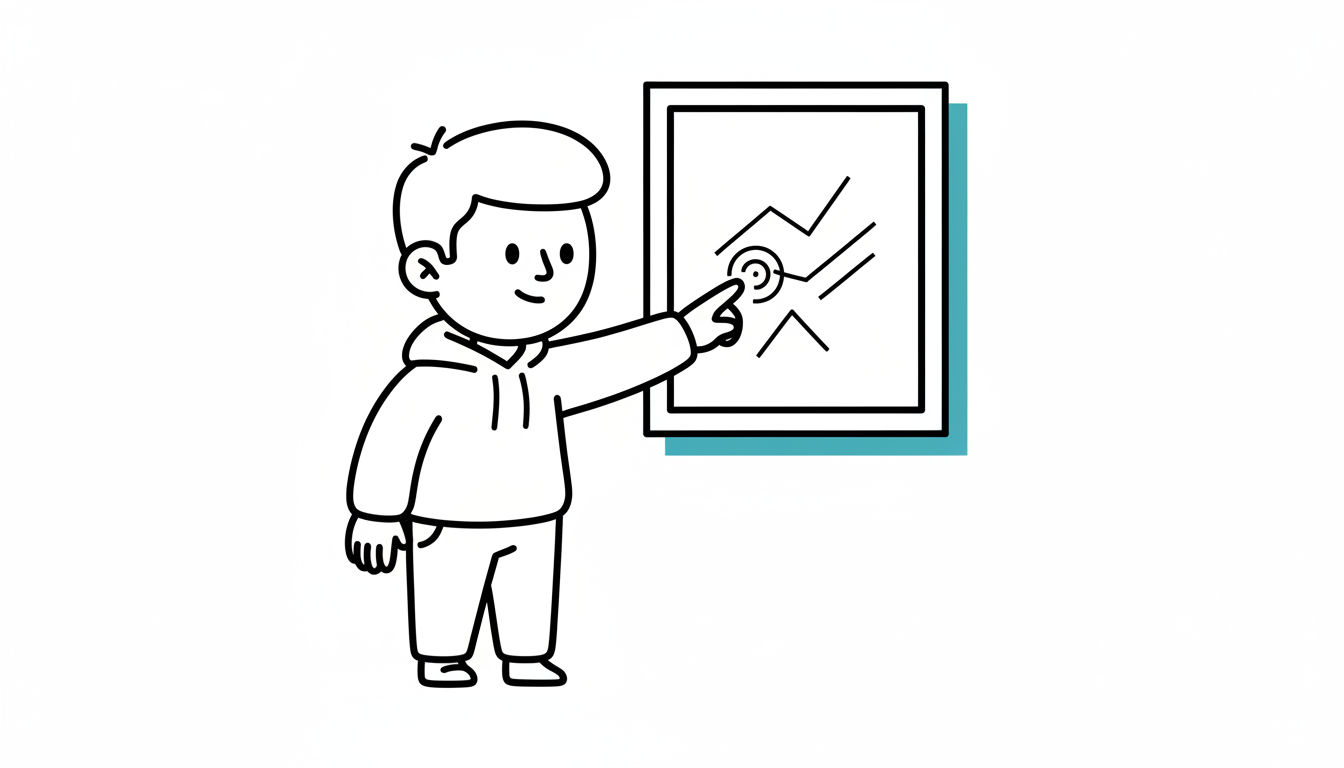
At a Glance
- Time: 2-3 minutes
- Prep: Display relevant image
- Group: Whole class or pairs
- Setting: Any
- Subjects: Universal
- Energy: Low
Purpose
Activate prior knowledge and visual thinking by displaying an image related to the topic. Students observe, make inferences, and predict what they'll learn. Images tap into visual processing and associative memory, making connections that words alone might not trigger.
How It Works
- DISPLAY IMAGE (10 seconds) - Show an image related to the topic (no text explanation yet)
- OBSERVE (30-60 seconds) - Students silently observe details
- DISCUSS (90-120 seconds) - Students share: What do you notice? What does this make you think of? What might we learn about?
- CONNECT (30 seconds) - "This image connects to our topic: [topic]. Let's explore."
What to Say
"I'm going to show you an image. Don't say anything yet—just look. Notice as many details as you can. You have 30 seconds."
(Show image; students observe silently)
"Now, turn to a partner. Discuss: What did you notice? What do you think this image shows? How might it connect to what we're learning? You have 90 seconds. Go!"
(After partner discussion) "Let's share. What did you observe? What predictions do you have?"
(After sharing) "Great observations! This image shows [explanation]. Today we're learning about [topic], which connects to what you saw."
Why It Works
Visual information is processed faster and remembered longer than text. Images activate background knowledge through different neural pathways than words. The observational task engages attention and curiosity. Making predictions from visual cues teaches inferential reasoning. The "notice and wonder" approach values all observations, making participation accessible to all students.
Research Citation: Visual prompts improve comprehension and activate prior knowledge effectively (Hibbing & Rankin-Erickson, 2003).
Teacher Tip
Choose images with rich details that invite observation. Avoid overly obvious images—some ambiguity creates productive discussion. Historical photos, scientific diagrams, artistic representations, and data visualizations all work well.
Variations
Image Types
Photographs: Historical photos, nature images, scientific phenomena Diagrams: Labeled or unlabeled scientific/mathematical diagrams Artwork: Paintings, illustrations related to literature or history Infographics: Data visualizations, charts, maps Mystery Images: Close-ups, unusual angles that require inference
Discussion Prompts
Notice and Wonder: "What do you notice? What do you wonder?" See-Think-Wonder: "What do you see? What do you think? What do you wonder?" Prediction: "Based on this image, what do you think we'll learn today?" Connection: "How does this image connect to what we've already learned?"
Content Examples
- Science - Ecosystems: Photo of a forest or coral reef
- Math - Geometry: Image showing geometric shapes in architecture
- History - Civil Rights: Historical photograph from the era
- Literature - Setting: Painting or photo of the story's setting
- Health: Diagram of the human body system
For Different Settings
- Large Class: Display on screen; whole-class discussion
- Small Class: Pass around physical photo; everyone shares
- Online: Screen share image; chat or verbal discussion
- Pairs: Partners analyze image together before sharing
For Different Ages
- Elementary (K-5): Simple, clear images; focus on concrete observations
- Middle/High School (6-12): Complex images requiring interpretation
- College/Adult: Discipline-specific visuals; nuanced analysis
Online Adaptation
Excellent for Online:
- Screen share image
- Use annotation tools for students to mark observations
- Breakout rooms for pair discussions
- Chat for sharing notices and wonders
- Works perfectly in virtual settings
Troubleshooting
Challenge: Students only notice surface-level details. Solution: Prompt deeper: "Look at the background. What's happening there? Why might the photographer include that?"
Challenge: Students are confused; image is too ambiguous. Solution: Provide hints: "This image relates to [topic]. Knowing that, what do you notice?"
Challenge: Students make wild guesses with no basis. Solution: Anchor to evidence: "What in the image makes you think that? Point to specific details."
Challenge: Discussions get off-topic. Solution: Refocus: "Great observation! How might that connect to [our topic]?"
Challenge: Image quality is poor (pixelated, small). Solution: Project clearly, ensure visibility. If digital, use high-resolution images.
Extension Ideas
- Annotate the Image: Students mark up the image with observations, questions, labels
- Caption It: Students write captions explaining what they see
- Compare Images: Show two related images; students compare and contrast
- Zoom In/Zoom Out: Start with close-up; gradually reveal full image
- Before/After: Show images from before and after an event or process
Related Activities: Predict-Observe-Explain, Think-Pair-Share, Anchor Chart